Government-grade TOTP authenticator for Tanzanian public servants
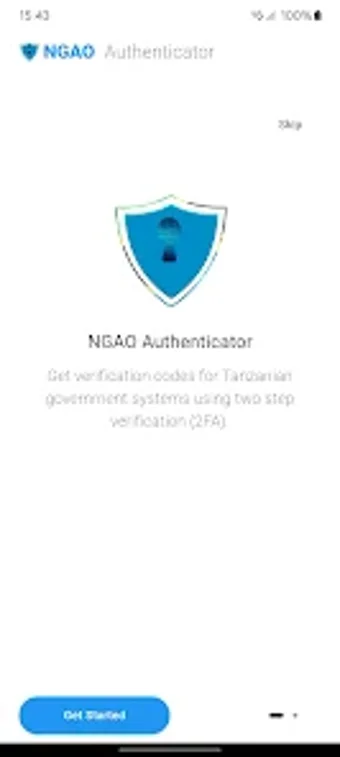
NGAO Authenticator, developed by e-Government Agency eGA - Tanzania, provides mandatory two-factor authentication for official state systems. The app generates Time-Based One-Time Passwords and links accounts via QR code during initial setup, then produces offline codes for daily logins. It supports multiple government services, offers a grouped view to organise accounts, and targets Tanzanian public servants who must secure access to platforms like the Government Mailing System.
Delivers government-authorised TOTP for official accounts
The app implements Time-Based One-Time Passwords (TOTP) as the second authentication factor for state services, protecting access to systems such as the Government Mailing System and e-Office. Account setup occurs by scanning a QR code presented by the service, after which the app generates time-limited codes. Multi-account support lets a single installation hold credentials for ERMS, GMS, and other registered government platforms.
Operates offline after an initial online setup and fits Android 10+ devices
The app requires internet access only for initial account linking, then produces authentication codes offline without network connectivity. It is distributed for Android and typically requires Android 10.0 or later for current releases, so device compatibility is limited to recent mobile environments. This offline generation reduces dependence on mobile data once accounts are registered through the NGAO platform.
Organises multiple credentials but exposes recovery trade-offs
Quick QR scanning and a Grouped View help users manage several government accounts in one place, which eases daily sign-ins for staff handling multiple systems. The developer declares no third-party data sharing, supporting privacy expectations. However, user reports note account recovery difficulties if the app is uninstalled or the device is replaced without prior backup, so IT support involvement is necessary to re-register lost devices.
Practical choice for mandated government MFA with an operational caveat
The tool suits public-sector employees who need a centrally approved MFA method and can follow an IT-backed recovery process. Its design prioritises institutional integration and offline code generation, but administrators should enforce device backup or documented re-registration workflows to avoid lockouts. Recommended.